
So, you got a bonus at work or managed to save up a lump sum. Now you want to clear off that personal loan and become debt-free. It sounds like a great plan until you hit a weird roadblock in the app.
Most people assume they can just pay off their entire balance on day two and save all that interest money. Unfortunately, digital lending apps do not work like that. They make their money purely from the interest you pay every month.
I am going to break down exactly how their system works, the hidden lock-in periods, and what actually happens if you miss an EMI by just one single day.
What Are The Exact Money View Foreclosure Charges?
Here is the good news. Unlike traditional banks that slap a 4% to 5% penalty on your outstanding principal when you try to close early, this app is different. The stated moneyview foreclosure charges are actually 0%. Yes, zero rupees.
But before you start celebrating, you need to understand their "Lock-in Period" rule. They do not charge a fee to close early, but they literally block you from closing it until they have extracted enough interest from you.
Here is how the lock-in works based on your loan tenure:
| Your Total Loan Tenure | When Can You Foreclose? |
|---|---|
| Up to 6 Months | Not Allowed (Must pay all EMIs) |
| 7 to 18 Months | Allowed only AFTER paying 6 EMIs |
| More than 18 Months | Allowed only AFTER paying 12 EMIs |
Live Foreclosure Penalty Calculator
See exactly when you can foreclose and what it will cost you.
This means if you took a 12-month loan, you are absolutely forced to pay the interest for the first 6 months. There is no button to bypass this. The foreclosure option simply will not appear in your app until month seven. And by the way, if your app is still stuck on "Under Review" and you haven't even gotten the money yet, that's a completely different problem — I covered that in my guide on fixing the Under Review status.
How to Process a Money View Loan Foreclosure Online
Once you actually cross that frustrating lock-in period, closing the loan is actually incredibly smooth. You do not have to call customer care or visit any physical branch.
Here is the exact step-by-step process to do a money view loan foreclosure online:
- Open your app and go to the "My Loans" dashboard.
- Tap on your active loan card.
- Scroll down to the bottom. If you have crossed the 6-month or 12-month mark, a new button called "Foreclose Loan" will magically appear.
- Tap it to see your final settlement amount (Remaining Principal + Interest till today).
- Pay the amount via UPI, NetBanking, or Debit Card.
After you pay, wait 48 hours and download your NOC (No Objection Certificate) from the app. Never lose this PDF. It is your only proof that the loan is permanently closed.
💡 Vamika's Secret Tip:
Look, if they randomly deduct an 'exit fee' that wasn't shown when you signed the paper, don't just accept it. Go straight to the National Consumer Helpline and raise a ticket. The RBI has made it totally illegal for apps to hide exit fees.
The Real Danger: What Happens if You Miss an EMI?
Okay, let's talk about the nightmare scenario. What happens if your bank account is empty on the 5th of the month and your auto-debit fails?
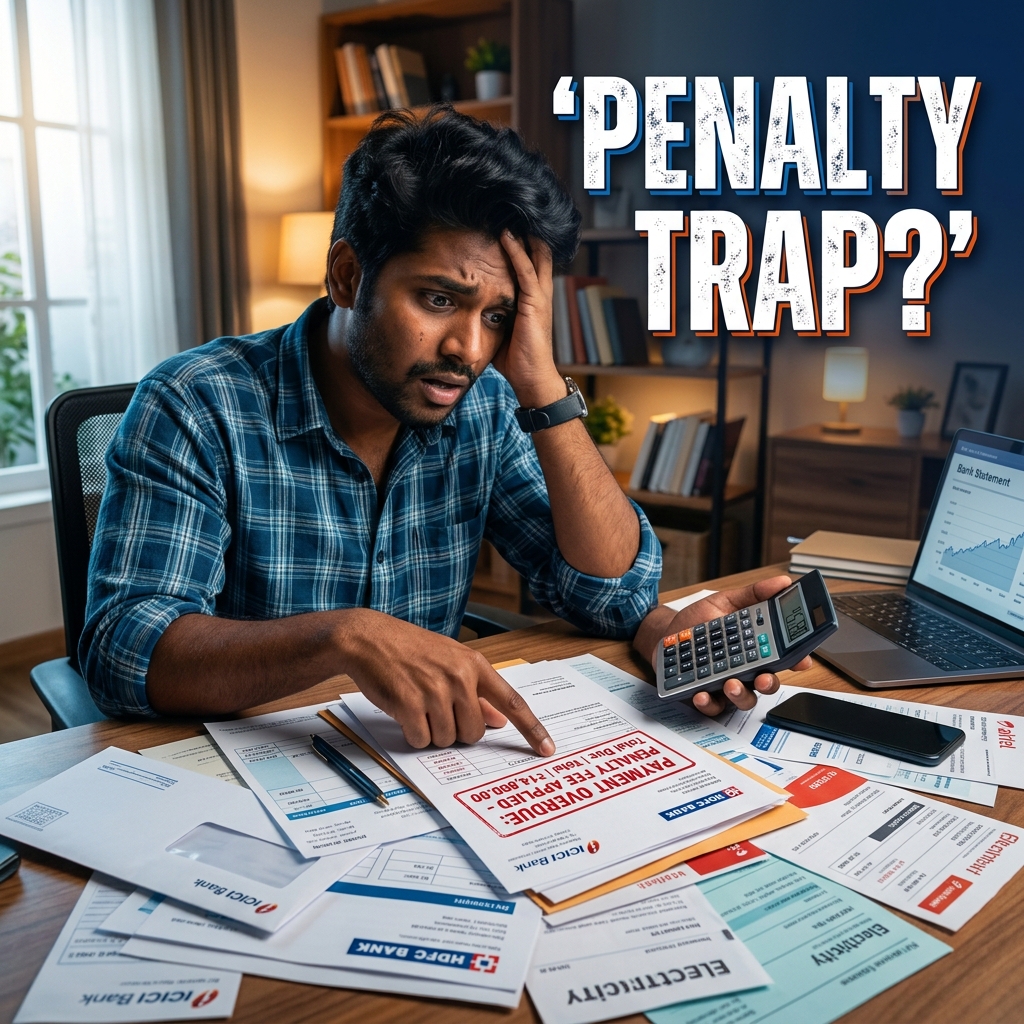
This is where things get expensive very fast. The official money view penalty charges per day might sound small, but they stack up with other massive fees. If your EMI bounces, you get hit with a triple penalty:
- The Bounce Charge: First, your own bank will hit you with a ₹250 to ₹500 penalty just because the auto-debit failed. Then, Money View slaps their own ₹500 bounce fee on top.
- The Daily Penalty: They will start adding a flat late fee (usually ₹10 per day) for every single day you stay unpaid.
- Penal Interest: And as if that wasn't enough, they add a crazy 24% annual penal interest on whatever amount is overdue.
So if you miss a ₹5,000 EMI by just 10 days, you might end up paying over ₹6,000 to clear it. It is a brutal trap. And worse, your CIBIL score takes a massive hit which ruins your chances of getting a home loan later.
If you know you are going to bounce, borrow from a friend or use a credit card to fund your bank account one day before the EMI date. Do whatever it takes to stop that auto-debit from failing. Oh, and if your loan was approved but the money never even arrived in the first place, you might be dealing with a NACH disbursement delay — I wrote a separate guide on that.
Need a Fresh Loan? Save ₹3,000
If you are taking a new loan to clear off high-interest debt, make sure you enter referral code ZYW8TIWS during signup. This gives you a flat ₹3,000 discount on processing fees.
Get Referral Code → ₹3,000 Discount