
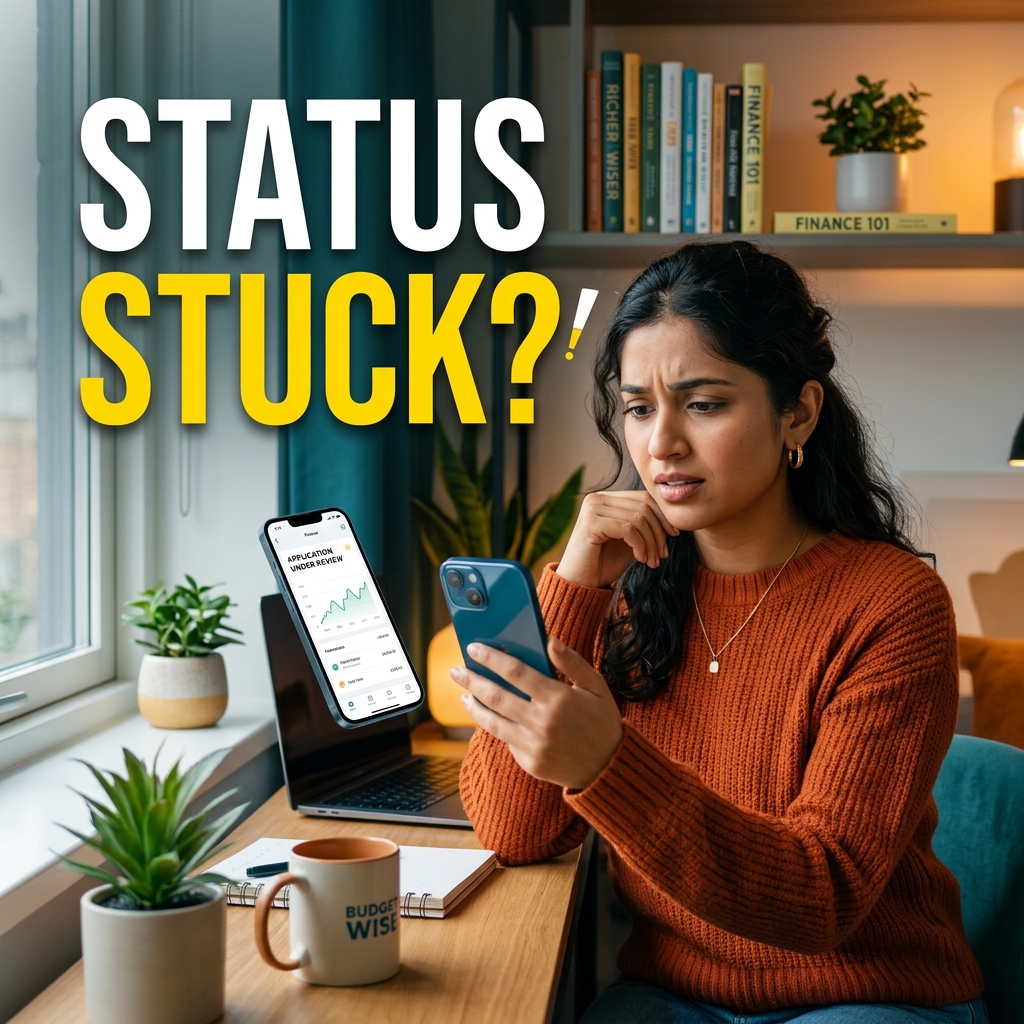
So you did everything right. Docs uploaded, form filled. And boom. The app just freezes on "Application Under Review" and leaves you completely hanging. I know how annoying this gets when you actually need the cash urgently.
I get DMs every single day from people confused about their actual money view loan status. The real problem? The app is slow to update. And if you ask their customer care bots, they just repeat the same "wait 24 hours" script.
Well, I am going to share the actual truth about why your file is stuck. Plus, the exact email trick I use to force them to give a final yes or no today.
Why is Your Application "Under Review"?
When you hit submit, a bot checks your profile instantly. If things match up, you get an instant green light. If you see that annoying "Under Review" message, here is what actually happened. Their software caught something weird in your profile. Now a real person from their team has to manually check your file.
Normally, it happens because of one of these three silly mistakes:
- Name Mismatch: Does your PAN card say "Rahul Kumar" but your bank says "Rahul K"? Yeah, that small difference is enough to stop the bot.
- Too Many EMIs: If half your salary is already going towards other credit card bills or EMIs, their system flags you as a risk.
- CIBIL Glitch: Sometimes their app just fails to connect to the credit bureau. Honestly, if you want to know exactly what lenders are looking at, just pull your own report from the Official CIBIL Website. It is the only true record anyway.
💡 Vamika's Secret Tip:
Stuck for more than 3 full days? Let's be real, it's a "soft rejection". The app just hasn't updated to show you the bad news yet.
How to Perform a Money View Loan Status Check
If you want to track where exactly your application is, do not rely solely on the main screen of the app. Sometimes the cache doesn't clear.
Try checking your status this way instead:
- First, go to the Play Store and update the app. Old versions always have cache bugs.
- Tap on the menu icon at the top left corner.
- Select the "My Loans" or "Dashboard" section.
- Pull down hard on the screen to force a manual refresh.
If it still says "Under Review," it is time to take matters into your own hands.
The Escalation Trick (Get Your Answer Today)
Do not waste your time calling the generic helpline numbers. You will just be put on hold and told to wait. The fastest way to solve the under review problem is to escalate it directly via email to their grievance team.
Copy and paste this exact template. I have seen this work wonders for getting stuck applications pushed through.
Send this email during working hours (between 10 AM and 4 PM). You will usually get a manual update on your app within 3 to 4 hours. Either they will ask for a fresh bank statement PDF, or they will approve the loan limit. Once your loan does get approved, heads up — sometimes the money takes another 24 hours to actually hit your bank account. That's a whole separate issue I wrote about.
What to Do if You Get Rejected?
If the final status updates to rejected, don't panic. The worst thing you can do is instantly apply again on the same app. Every time you apply, they do a hard inquiry on your CIBIL score, which drops it further.
Wait for exactly 30 days. Pay off your existing credit card bills to lower your credit utilization. Then, when you apply again after a month, use a fresh device if possible. And if you're worried about what hidden fees they'll charge you during the loan, I'd strongly suggest reading my full breakdown of their foreclosure charges and penalty traps before signing anything.
Ready to Apply Again?
If your profile gets cleared or you are applying fresh, make sure you enter referral code ZYW8TIWS during signup for a flat ₹3,000 discount on processing fees.
Apply Now with Promo Code →